
Why External Keyboards Transform Mobile Productivity
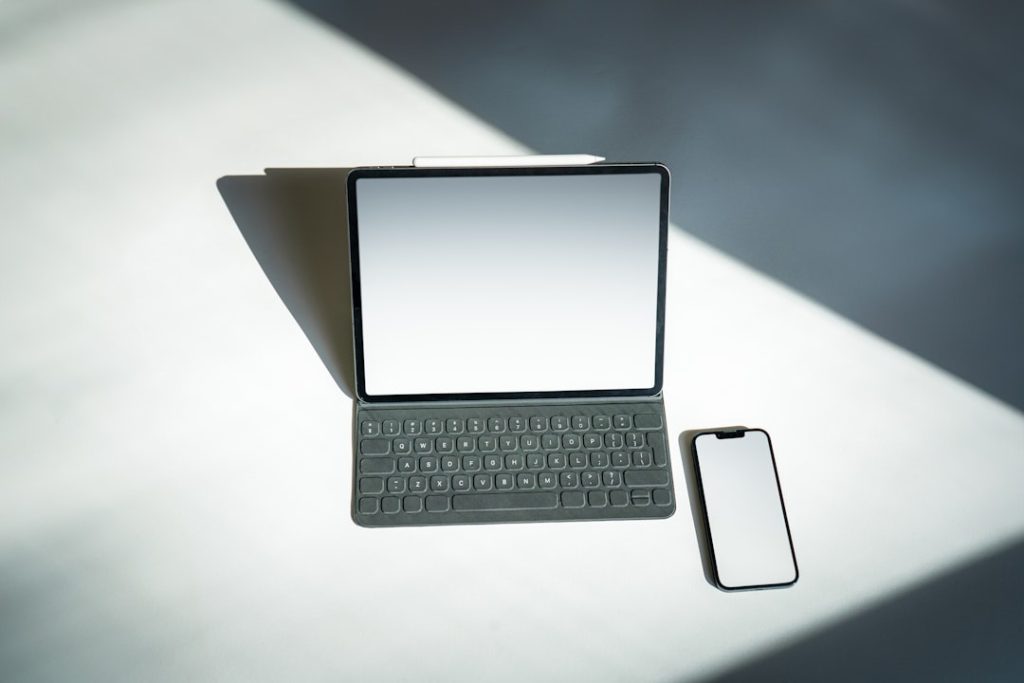
The concept of using an external keyboard with a smartphone might sound unconventional, but I believe it represents one of the most underrated productivity upgrades available today. After experimenting with this setup during a recent travel period, I’ve become convinced that this combination offers unique advantages that neither laptops nor phones alone can provide.
What strikes me most is how this setup appeals to a very specific type of user – those who value mobility but refuse to compromise on typing efficiency. If you’re someone who primarily consumes content on mobile devices or rarely writes more than brief messages, this solution probably isn’t worth the investment. However, for writers, frequent communicators, and anyone who finds themselves constantly frustrated by touchscreen typing, the benefits are substantial.
Enhanced Communication Experience
The transformation in messaging quality when using a physical keyboard cannot be overstated. I think many people underestimate how much their communication style adapts to the limitations of touchscreen typing. With a proper keyboard, conversations become more natural and expressive.
The ability to utilize familiar shortcuts like copy and paste fundamentally changes how you interact with text. This matters most for people who engage in detailed conversations or need to reference and share information frequently. However, I should note that this enhanced capability can lead to overly lengthy messages – something to be mindful of in professional contexts.

Distraction-Free Writing Environment
This setup creates what I consider an ideal writing environment for focused work. The small screen size naturally limits access to distracting applications while maintaining essential editing capabilities. This strikes me as particularly valuable for writers who struggle with digital distractions but don’t want to abandon modern conveniences entirely.
The experience resembles using a traditional typewriter while retaining modern editing features. For people who find themselves constantly switching between applications on larger screens, this forced focus can be remarkably productive. Creative professionals and students working on drafts would likely find this approach especially beneficial.
Keyboard Navigation Capabilities
Modern mobile operating systems include accessibility features that enable full keyboard navigation, though I believe most users remain unaware of these options. Activating these settings transforms smartphone interaction from a primarily touch-based experience to one controlled through keyboard shortcuts.
This functionality appeals primarily to power users who have developed strong keyboard shortcut habits on desktop systems. The implementation feels somewhat experimental, but for those comfortable with keyboard-driven workflows, it offers genuine efficiency gains. The search function becomes particularly powerful when accessible through keyboard shortcuts.

Who Should Consider This Setup
I think this approach works best for specific user profiles. Digital nomads who want to minimize equipment weight while maintaining productivity capabilities would find significant value here. Writers who need distraction-free environments but require modern editing tools should seriously consider this option.
However, this setup isn’t suitable for everyone. Heavy multitaskers who rely on large screens and multiple windows open simultaneously won’t find adequate functionality. Similarly, users primarily focused on media consumption or casual communication probably won’t justify the additional equipment.
Implementation Considerations
The hardware investment remains relatively modest, making experimentation low-risk. Most quality wireless keyboards work effectively with modern smartphones, though compatibility varies between devices and operating systems.
I believe the key to success lies in adjusting expectations appropriately. This isn’t a laptop replacement but rather a specialized tool for specific use cases. Users who approach it with realistic expectations about its capabilities and limitations will likely find it valuable, while those expecting full desktop functionality will be disappointed.
The portability advantage cannot be ignored – carrying a compact keyboard alongside a smartphone still results in significantly less weight and bulk than traditional laptop setups. For frequent travelers or anyone working in space-constrained environments, this difference matters considerably.
Photo by Jakub Żerdzicki on Unsplash
Photo by Gavin Phillips on Unsplash